- [ AI Image Pro ]
- [ DALL-E · Stable Diffusion · Flux ]
Generate, Edit & Manage Stunning AI Images.
Create professional-quality images from a simple text description using DALL-E, Stable Diffusion XL, and Flux. Edit with powerful AI tools, remove backgrounds, inpaint, upscale, and reimagine. Watch your image appear in real time as you type, then organise everything in your personal Media Library. No design skills required.







-
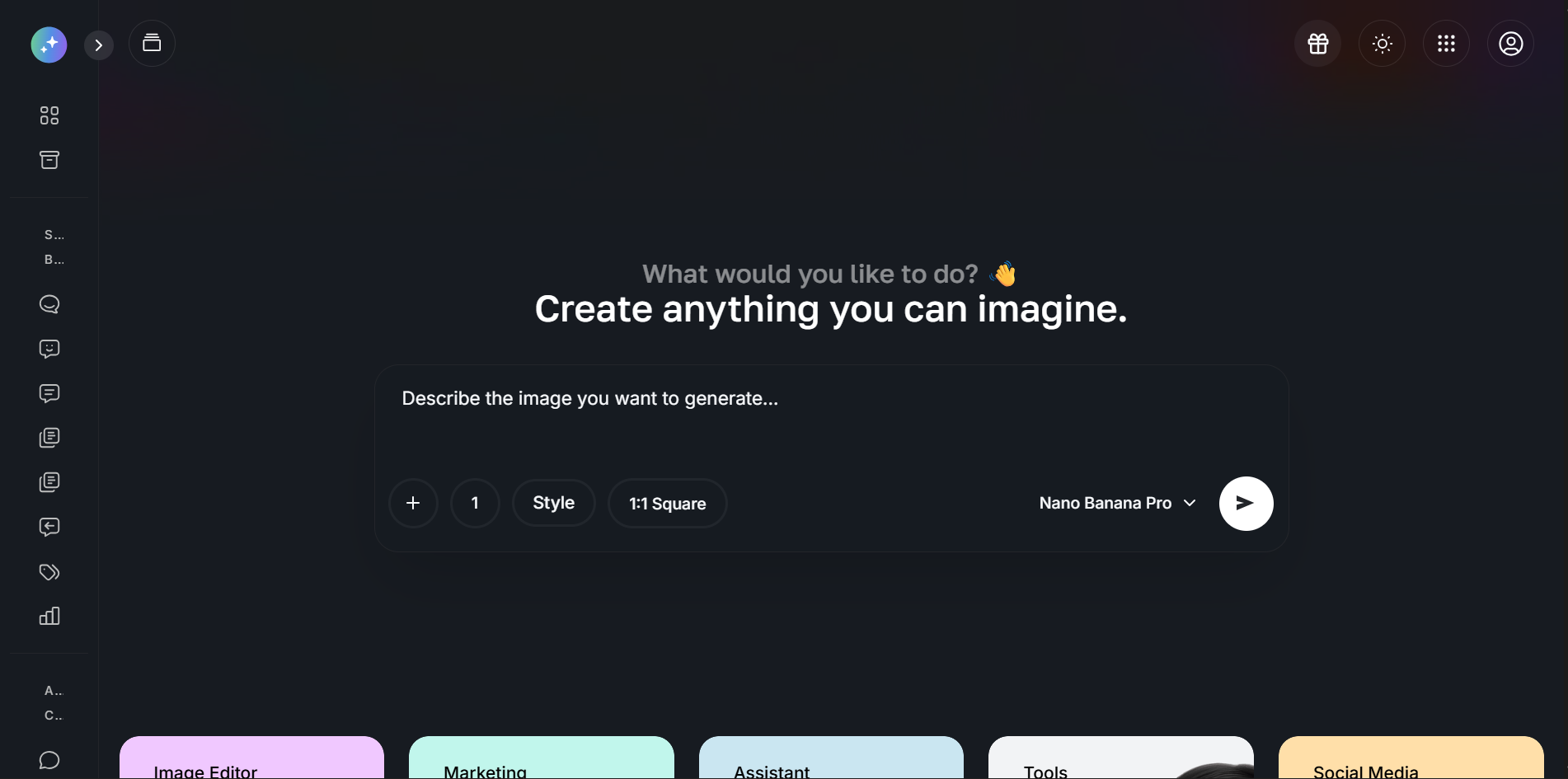
 Generate From Text
“Turn any text description into a stunning visual in seconds using DALL-E, Stable Diffusion XL, and Flux, choose your model, style, and resolution.”
-
Text-to-Image Generation
Generate from a simple text prompt.
-
 Edit With AI Precision
“Remove backgrounds, inpaint, upscale, reimagine, and apply generative fill, a full suite of AI editing tools, no Photoshop skills needed.”
-
8 AI Editing Tools
Inpaint, outpaint, upscale & remove backgrounds.
-
 Organise & Reuse
“Every image you create is saved in your Media Library. Bookmark favourites, build collections, and reuse visuals directly in other platform tools”
-
Personal Media Library
Every image you generate or edit is saved automatically.
- [ AI Image Pro ]
Explore AI Image Pro's Key Features
Discover the powerful tools that make creating, editing, and managing AI-generated images simple, fast, and professional for everyone.
-
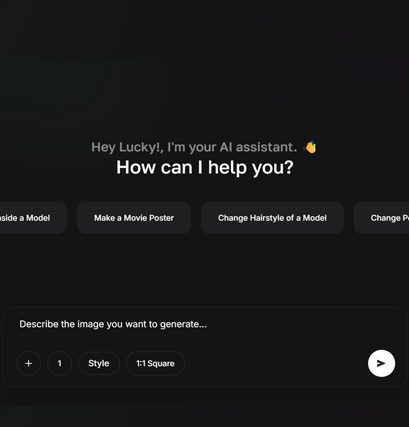
Image Assistant
Turn Any Text Into a Stunning Visual Powered by DALL-E, Flux & more.
The Image Assistant makes professional visual creation accessible to everyone. Type a description, choose your preferred AI model and style, and receive a high-quality image in seconds, no design skills, no expensive software, no stock photo subscriptions needed. Whether you need photorealistic product shots, artistic illustrations, social media graphics, or marketing visuals, the Image Assistant delivers exactly what you need on demand.
-
Select aspect ratio, resolution, and quality per generation.
-
Choose from multiple image styles, photorealistic, cinematic & more.
-
Use generated images directly in AI Writer, Social Posts & Chatbot tools.
-
No watermarks, every image is yours to use commercially.
-
Generate multiple variations simultaneously and select the best result.
-
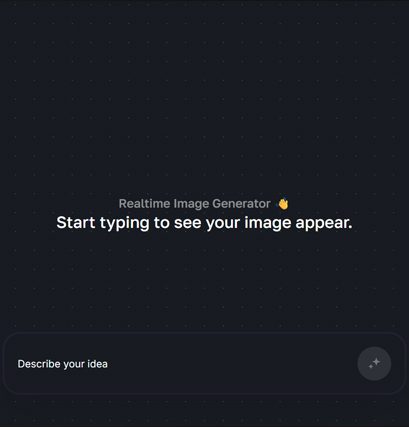
Realtime Image
See Your Image Come to Life as You Type.
Realtime Image generation transforms the way you create visuals. Instead of writing a prompt and waiting for a result, you watch the image render and evolve live as you type each word. This instant feedback loop makes it dramatically faster to explore creative directions, refine your vision, and land on the perfect image, without clicking generate dozens of times. It is the fastest way to create AI images, period.
-
Live rendering, the image updates in real time as you write your prompt.
-
See changes instantly as you refine your description.
-
Experiment with different creative directions without losing your work.
-
Save any realtime frame to your Media Library with a single click.
-
Dramatically faster creative iteration than standard generation.
-
Smart Edit
Remove, Replace, Enhance, Expand & Transform With Precision.
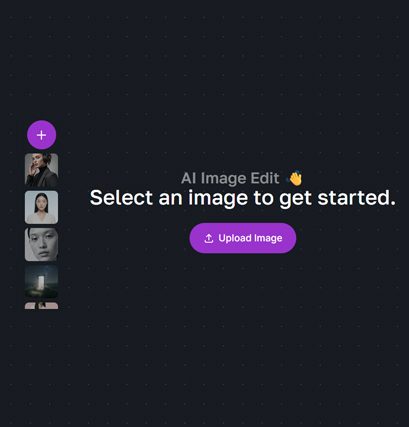
Smart Edit gives you a complete professional AI image editing suite without any of the complexity. Remove unwanted objects, replace or remove backgrounds with a single click, fill in missing areas intelligently, expand images beyond their original borders, clean up imperfections, upscale resolution without losing quality, and completely transform an image while preserving its structure. Everything a professional photo editor does, powered by AI, done in seconds.
-
Paint over any area and let AI fill it with intelligent, contextual content.
-
Expand your image beyond its original borders in any direction.
-
Remove unwanted objects, people, text, or watermarks cleanly.
-
Completely transform an image's style while keeping its core structure.
-
Convert hand-drawn sketches into polished, finished visuals.
- [ More Tools ]
Explore More Tools Inside AI Image Pro
Discover the powerful tools that make managing your entire social media presence with AI simple, effective, and completely autonomous.
[01]

Dashboard
Your AI image creation hub. Access all generation and editing tools, view recent creations, check usage stats, and jump straight into any workflow from one clean interface.
-
Central access to all AI Image Pro tools.
-
Recent generations and saved images at a glance.
-
Monthly usage overview and limits.
-
One-click launch to any image tool.
[02]
Bookmarks
Save and organise your favourite AI-generated images into curated collections, organised by project, campaign, client, or style. Build mood boards and brand asset libraries with ease.
-
Save any image to Bookmarks instantly.
-
Organise into named collections and folders.
-
Share collections with team members.
-
Access bookmarks from anywhere in the platform.
[03]
Media Library
Every image you generate, edit, or upload is stored securely in your personal Media Library. Search, filter, download in multiple formats, and reuse images directly in other platform tools.
-
Auto-storage of every generated and edited image.
-
Search and filter by date, style, and tool.
-
Download in PNG, JPG, or WebP at full resolution.
-
Use directly in AI Writer, Social Posts, and Chatbot.
Which AI image models are available in AI Image Pro?
AI Image Pro supports DALL-E 3 by OpenAI, Stable Diffusion XL by Stability AI, and Flux by Black Forest Labs. Each model has different strengths — DALL-E 3 excels at following detailed prompts and photorealistic outputs, Stable Diffusion XL is ideal for artistic and stylised imagery, and Flux delivers exceptional creative and cinematic results. You choose which model to use for each generation.
Can I use the AI-generated images commercially?
Yes. All images generated through Quantum Mind AI Image Pro are yours to use for personal and commercial purposes — including marketing materials, social media, product listings, client work, and print. There are no watermarks on any generated image. For enterprise users with white-label plans, generated content can be used under your own brand without any attribution to Quantum Mind AI.
What editing tools are included in Smart Edit?
Smart Edit includes 8 AI-powered editing tools: Inpainting (fill any area intelligently), Outpainting (expand image borders), Background Removal, Background Replacement, AI Cleanup (remove objects and watermarks), Upscaling (2x and 4x resolution enhancement), Reimagine (transform image style), and Sketch to Image (convert drawings to polished visuals). All tools are available without any additional software.
How many AI images can I generate per month?
Your monthly image generation limit depends on your plan. The Starter plan includes 50 AI images per month. The Pro plan includes 200 images per month using DALL-E 3 and Stable Diffusion XL. The Business plan includes unlimited image generation across all providers and all editing tools with no monthly cap. Enterprise subscribers also get unlimited generation with priority processing.
Can I upload my own images and edit them with Smart Edit?
Yes. You can upload your own PNG, JPG, or WebP images directly to Smart Edit and apply any of the AI editing tools to them. This means you can remove backgrounds from existing product photos, clean up real images, upscale lower-resolution images, or use your own photography as the base for AI reimagining and inpainting. Your uploaded images are stored securely in your Media Library.
- [ FAQs ]
Frequenntly Asked Questions
Everything you need to know about Quantum Mind AI Image Pro. Still have questions? Our support team is ready to help.
-
Start Free Today — No Credit Card Required
Create Stunning AI Images in Seconds. Free Trial Available Now.
Generate professional-quality visuals from text, edit with powerful AI tools, and manage your entire image library — all without any design experience or expensive software. Everything inside AI Image Pro is available the moment you sign up. Join thousands of creators, marketers, and businesses already using Quantum Mind AI to produce stunning visuals on demand.